When you click on links to various merchants on this site and make a purchase, this can result in this site earning a commission. Affiliate programs and affiliations include, but are not limited to, the eBay Partner Network.
I haven't received any updates since taking delivery of my 2022 Job 1 KR on Apr 15. Last OTA update appears to have been Apr 4 with BlueCruise map updates. I have this screen under Vehicle Connectivity:
My WIFI was shut off so I turned it back on. There's one bar and this screen is still there. I did not cancel any active service as the screen instructed. In fact, I didn't even see any way to cancel it in my Ford account.
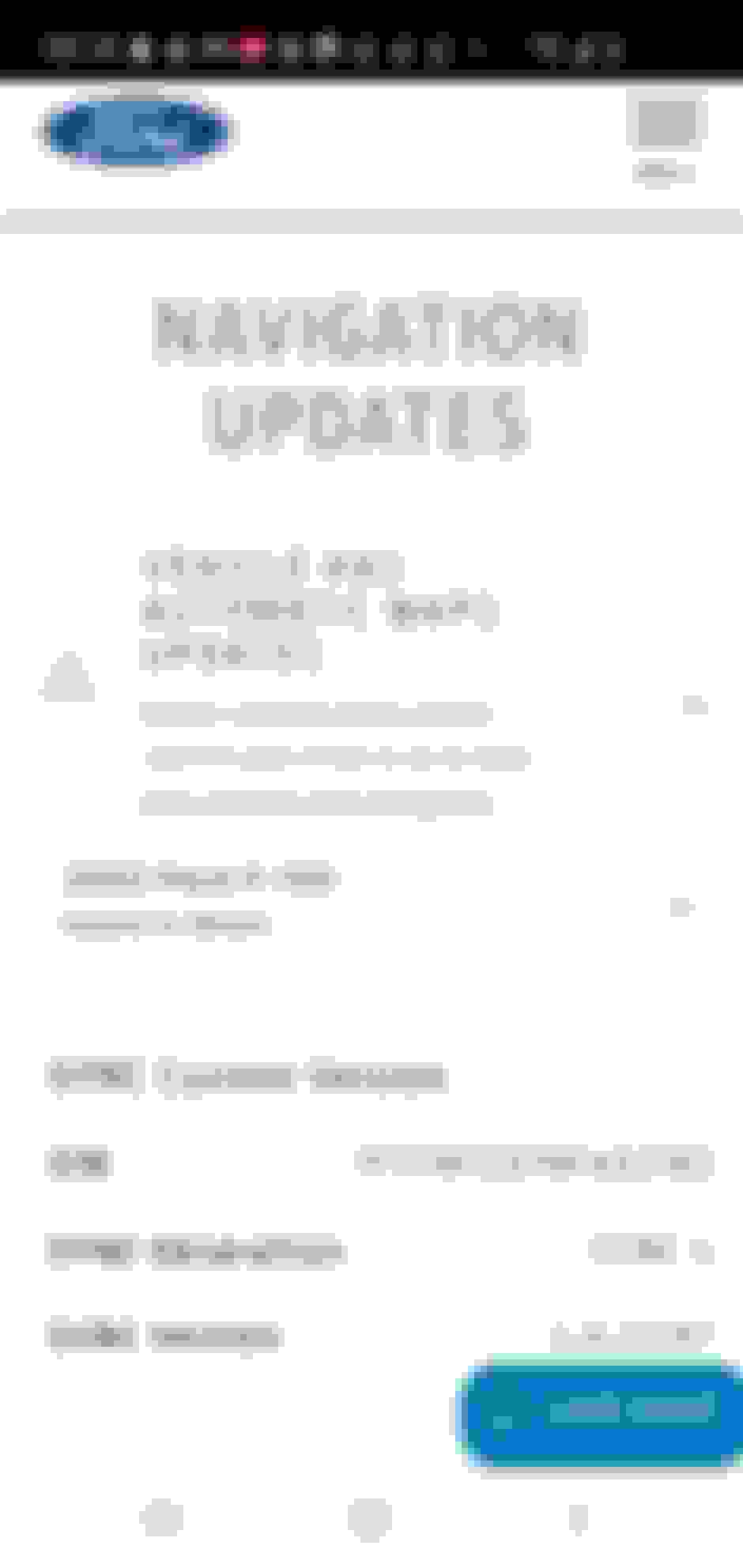
Nothing shows as pending in FordPass. Checked my Ford account and this shows:
Along with my VIN, my SYNC Version shows above and it's Revision 253. So, am I going to get SYNC 4 and map updates? I'm set up for auto downloads every night at 11pm.
I get the exact same screen under "Vehicle Connectivity". I cannot find any "active service" to cancel in either the Fordpass app, or by logging into my ford account (presumably that's ford.com).
A question: Where did you find that information about "Sync Updates"? I presume it's somewhere on Ford.com, but for the life of me, I can't find it. I'd love to know the Sync version level (what can I say, I'm a retired engineer and thus naturally curious). If you can tell me the menu options you chose to get to that information, I'd be grateful.
I get the exact same screen under "Vehicle Connectivity". I cannot find any "active service" to cancel in either the Fordpass app, or by logging into my ford account (presumably that's ford.com).
A question: Where did you find that information about "Sync Updates"? I presume it's somewhere on Ford.com, but for the life of me, I can't find it. I'd love to know the Sync version level (what can I say, I'm a retired engineer and thus naturally curious). If you can tell me the menu options you chose to get to that information, I'd be grateful.
I stumbled on it - let me try and retrace my steps.
A question: Where did you find that information about "Sync Updates"? I presume it's somewhere on Ford.com, but for the life of me, I can't find it. I'd love to know the Sync version level (what can I say, I'm a retired engineer and thus naturally curious). If you can tell me the menu options you chose to get to that information, I'd be grateful.
Originally Posted by Ralphllankford
I stumbled on it - let me try and retrace my steps.
- Log into Ford.com
- Go to "Vehicle Dashboard" and scroll down to "SYNC Updates"
- Click "View Updates"
- Click "Check for update" under either VIN or Your Garage
- Scroll down the page - mine showed the screenshots I posted
- Click "Expand for Details" at bottom of page and it will show your SYNC Version
- Log into Ford.com
- Go to "Vehicle Dashboard" and scroll down to "SYNC Updates"
- Click "View Updates"
- Click "Check for update" under either VIN or Your Garage
- Scroll down the page - mine showed the screenshots I posted
- Click "Expand for Details" at bottom of page and it will show your SYNC Version
Mine just says We Encountered an error, please try again
The only trucks that have OTA updates, besides recalls, are '21 Job 1 trucks. If you have anything '21 Job 2 or later, the BlueCruise map update (GWM) is about all there was. There may be a couple module updates in FDRS, but it is likely minimal.
- Log into Ford.com
- Go to "Vehicle Dashboard" and scroll down to "SYNC Updates"
- Click "View Updates"
- Click "Check for update" under either VIN or Your Garage
- Scroll down the page - mine showed the screenshots I posted
- Click "Expand for Details" at bottom of page and it will show your SYNC Version
Thanks! The info was exactly where you said it was.
I still want to know what an "SVS Service" is and how to stop it.
Anybody?
Thanks! The info was exactly where you said it was.
I still want to know what an "SVS Service" is and how to stop it.
Anybody?
Also seeing a Ford site with reference to SVS being “Stolen Vehicle Services” under Ford Secure, but that may be for Europe only. Do you have any items under SecurAlert that need to be cleared maybe…?