When you click on links to various merchants on this site and make a purchase, this can result in this site earning a commission. Affiliate programs and affiliations include, but are not limited to, the eBay Partner Network.
Well, I was a bit disappointed in the lack of comments/feedback to help diagnose. :-(
But thank you all for paving the way and providing the details needed to pull this off.
Good news is I am now in the ACC Club! All is working, no DTCs.
I'll post a more detailed writeup soon with the parts list (service and engineering part numbers) and instructions that I wrote up from various sources.
Well, I was a bit disappointed in the lack of comments/feedback to help diagnose. :-(
But thank you all for paving the way and providing the details needed to pull this off.
Good news is I am now in the ACC Club! All is working, no DTCs.
I'll post a more detailed writeup soon with the parts list (service and engineering part numbers) and instructions that I wrote up from various sources.
The main thing I learned is once the engineering part numbers are known, the opportunity to save money with used parts is substantial. Almost all used parts are listed by the eng number because that is written on them, and it is often not easy to find this number from the service part number lists that have been provided.
I'm looking forward to the write-up so I can attempt this on my 2020 XLT.
I'm looking forward to the write-up so I can attempt this on my 2020 XLT.
A few thoughts come to mind: this is not the correct thread for a 2020.
I think you may want to review the very good 2019 instructions here: https://www.f150forum.com/f118/2019-...7/#post6653545
2019 (and 2020) are both different than 2018 so that is a more appropriate thread, and will be more helpful if you ask questions.
XLT also requires some wiring to be added, and for 2020 ACC is different in that the Cruise Control Module (C-CM) is connected directly to the Image Processing Module (IMPA), where in the 2018/2019 the C-CM is connected to the CAN network. I think XLT models also need to swap to an 8" instrument cluster.
I'm not sure how many 2020 installs have been completed.
Edit: My comment above about 2018 CCM not being connected to CAN directly may be incorrect and it may be connected to the IMPA based on wiring diagrams I am finding. Not 100% sure though.
A few thoughts come to mind: this is not the correct thread for a 2020.
I think you may want to review the very good 2019 instructions here: https://www.f150forum.com/f118/2019-...7/#post6653545
2019 (and 2020) are both different than 2018 so that is a more appropriate thread, and will be more helpful if you ask questions.
XLT also requires some wiring to be added, and for 2020 ACC is different in that the Cruise Control Module (C-CM) is connected directly to the Image Processing Module (IMPA), where in the 2018/2019 the C-CM is connected to the CAN network. I think XLT models also need to swap to an 8" instrument cluster.
I'm not sure how many 2020 installs have been completed.
Thank you for that. I thought the 18-20 would be the same.
I already started with the 8" cluster. Hopefully it won't be too complicated with all the info out there. Looking forward to your write-up either way.
Sounds like you are on the right track. I think 2018, 2019, and 2020 all have some subtle differences between each of them. The biggest change for 19-20 are most models already having an IMPA camera (but not always the correct one). 2019 still requires an ABS module replacement. I'm not sure for 2020. And then 2020 having the different wiring from 2018-2019.
How-to Writeup for 2018 ACC Stop & Go and Pre-Collision Assist:
This is fairly lengthy but I combined various writeups created by other members here in the 2018, 2019, and generic ACC threads and added my own detail where things were vague or missing.
This excellent 2019 writeup was the most detailed I found. Note a few steps like Forscan values are different.
Schematics and service PDFs here.
My total was just under $1000. I saved about $200 with used/private party parts. I think it can be done for ~$800 with patient used part shopping.
I added my parts list in the next post with the Service and Eng part numbers.
One thing I learned is once the engineering part numbers are known, the opportunity to save money with used parts is substantial. Almost all used parts are listed on eBay by the eng number because that is written on them. And it is often hard to connect the two part numbers. This list would have saved me time and $.
The last digit of the Eng number can likely vary as a revision. For example CCM are -AG or -AH and IMPA are -CD or -CG.
I ended up being in a bind and having to buy a new CCM ($$$ ouch) because I bought the wrong used version with a 2019 Eng number. It will not work, see my post #400 above.
Instructions:
1. Disconnect battery
2. Either remove grille or bumper (bumper preferred for CCM bracket but I think grille is easier for the wire harness).
3. Install new wiring harnesses x2.
4. Install CCM+bracket, steering controls, HUD module, new IMPA. Reconnect battery.
5. Forscan changes:
IPMA - 706-01-01 xxxx Axxx 6977
IPC - 720-01-01 xFxx xxxx xxxx
IPC - 720-01-02 xxxx 9xxx xxxx
IPC - 720-04-01 Exxx x1xx xxxx
IPC - 720-09-01 xxxx xxxx 2xxx
SCCM - 724-03-01 19xx xxxx xx
BCM - 726-13-01 xx90 6xxx xxxx
CCM - 764-01-01 05xx xxxx xx. First four of the vin in hex.
CCM - 764-01-02 xxxx xxxx xx. Next five of the vin.
CCM - 764-01-03 xxxx xxxx xx. Next five of the vin.
CCM - 764-01-04 xxxx xx00 0012. Last three of the vin.
CCM - 764-01-05 0000 00 71
6. Clear all DTCs (you may have several). Should clear except ‘ABS - U2101:56-AF - Control Module Configuration Incompatible’, ‘IPMA - U0418:86-AF - Invalid Data Received from Brake System Control Module A’, IMPA missing calibration, CCM missing calibration.
7. Perform IMPA calibration with Forscan. Look carefully at instructions - you don’t click OK on the final window until the progress bar at the bottom reaches 100%. It will not auto close when done. Took about 10 min.
8. Perform CCM calibration with Forscan. Drive until the message on the instrument cluster goes away. Took about 10 min.
9. Clear all DTCs (you may have multiple). Should clear except ‘ABS - U2101:56-AF - Control Module Configuration Incompatible’, ‘IPMA - U0418:86-AF - Invalid Data Received from Brake System Control Module A’. (I think it was these two).
10. At this point you should have the following IPC errors when you start your truck 1) Normal Cruise Active, Adaptive Cruise Control Not Available 2) Pre-Collision Assist Not Available, and the DTCs mentioned above. The IPC items (Pre-Collision and Cruise Control) will show up however the settings will be grayed out so you will not be able to change any settings.
11. Use FJDS to start ABS PMI procedure.
12. After ABS, FJDS will say it is required to perform the IVD calibration, so I used FJDS for it. Can also be done with Forscan.
13. I also performed the ABS apply and Release with FJDS since it was already connected but it can also be done with Forscan.
14. Last Forscan change: ABS - 760-03-01 Fxxx xx. (D if you don’t have the Hill Decent Switch.)
15. At this point there will be a TON of DTCs set, but have faith… Clear DTCs. Turn IGN OFF and ON. There should be no remaining DTC now!
16. In the IPC (using steering controls) change the Cruise Control mode from Normal to Adaptive. It will no longer be grayed out. System should now be working! Congrats on making it, that was a lot of complex details!
Extra Details for Instructions:
SW SWITCH
1. Using a long allen around 3mm poke it into the left and right side of your steering wheel (directly in sideways) and you will feel a spring. While pushing, gently tug on that side of airbag. It took me a few tries working back and forth and pulling it for it to pop out. Be careful, wires are short.
2. Now that you are looking at the back of the airbag using a small flat head screw driver, pry up the 2 orange clips on the back of the orange connector. They will click when all the way up and can then be used to remove both the connectors from the airbag. They are color coded for reconnecting.
3. There will be a red and green connector on the bottom left and right of the steering wheel, gently light them up off the silver trim and unplug them.
4. Pull out the silver trim gently by slowly working around with your fingers. I unplugged the switches with the trim still in the wheel and put my fingers in behind the switch to pull out the clips at the very outside edges. Work carefully all the way around and the silver trim will come off the wheel.
5. Move to the work bench and swap out the cruise switch. T6 screws. Carefully re-engage screws in existing thread and do not over tighten - the screw bosses are fragile.
(Thanks to NMMI82 for giving me this tip): Be sure you have the proper switch for Stop & Go:
Normal Adaptive Cruise Control (not Stop & Go): RES and CAN share the same button. The ACC only switch will cancel Cruise Control entirely when trying to resume. It will also require SCCM as-built config set to "12" instead of "19" to clear DTCs.
ACC w/Stop & Go: RES and + on the same button and CAN was its own button.
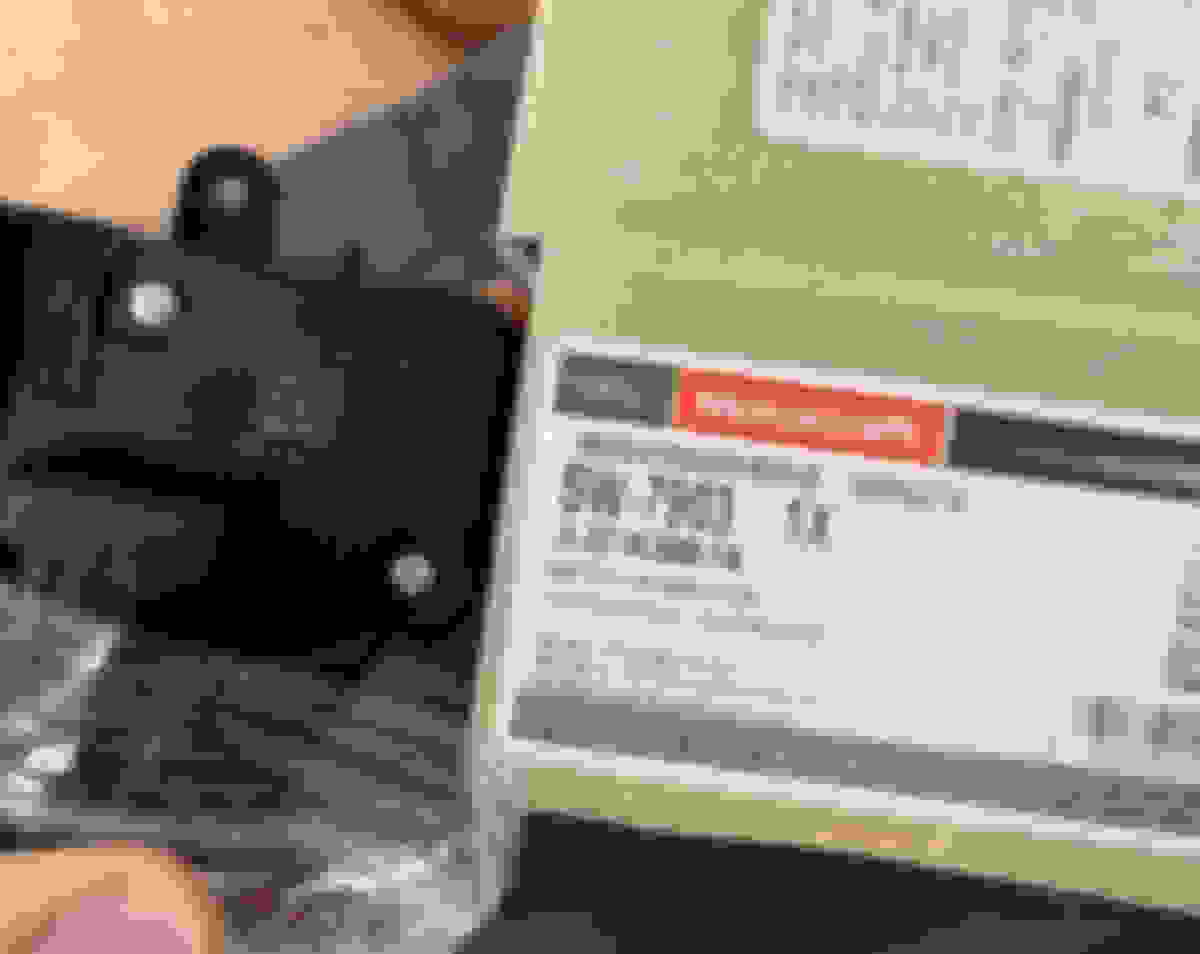
The proper switch for 2018+ is JL3Z-9C888-FA / JL3T-9E740-FAW / SW-7903.
WIRING HARNESSES
Before starting I suggest checking the IMPA plug and bumper harness for the CAN wires. 502a trucks should have them, others likely do not and will require running CAN and power wires.
The main bumper harness powers the LED fogs, lower shutter assy, and intercooler recirc valve. The connector to the main truck harness is on top of the passenger frame rail, below the pass headlight. Very easy to see if you remove the grill. If you remove the bumper you need to unplug this from beneath the truck.
Fairly easy to swap out the harness - remove old harness and clip in new harness in the same locations. The CCM pigtail has 3 clips along the route from the bracket back over to the main harness near the left fog light - clip in to each location, you’ll see them.
CCM MODULE
The "remove the grill" option (instead of removing the bumper) is doable to install the parts necessary, but the bracket is a puzzle to fit through the opening. Be patient.
If removing the grill, use 2 spring nuts on the lower part of the bracket and 2 on the bumper for the upper bracket holes. Important: The two top bolts going into the bumper need to be cut short so they do not bottom out on a second bumper piece. Cut off just past the unthreaded lead in tip. I never saw this mentioned anywhere else so I hope folks do not have loose brackets since the bolts can not fully seat and will contact the bumper. I thought I took a photo but I can’t find it.
It’s clear to me now that it is meant to be installed with the bumper removed, and all 4 spring nuts on the bracket with 2 bolts in from the front side of the bumper and 2 from the back side – I would recommend this approach instead of the grille if I did it again.
Install the 3 studs. Bottom 2 studs bottomed out and tight and top stud threaded in 1/2 way. Snap the sensor onto the studs. Install the 3 retaining nuts (not too tight). Level the sensor (be sure to account for the truck being on a sloped garage floor) by turning the top stud in/out. Studs are a loose E6 socket (E5 would not fit on).
2018 CADS H1BZ-9E731-F - eng number H1BT-9G768-AH (AG, AH, etc are just revisions).
2019 CADS JX7Z-9E731-E - eng number JX7T-9G768-AD.
These are not interchangeable between 2018 and 2019.
ABS MODULE
The most intense/complex part of the process IMO (software and hardware).
Install FJDS and VCI Software from Ford.
Install the VCX Nano software and select J2534 Passthrough ONLY (not Ford IDS). Then the VCX Nano should show up in the list when first launching FJDS as ALLSCanner -> VXDIAG. If not, you are not yet ready to buy the 2 day license. It took me a bit to figure this out.
E5 socket for the 4x bolts. Need a small 1/4 drive - I happened to have a Snap On set that had the correct size and fit correctly (tight clearance).
Pretty obvious the ABS modules are the same so I suspect there is something about the firmware written to a "blank" module by the PMI step that enables ACC? Guessing FJDS sees the CCM present and flashes the appropriate firmware? Frustrating there is no way around a hardware swap and programming a new blank unit.
Buy 2 day FJDS license ($50), start PMI step at correct step per instructions above.
It will ask for IGN ON, scan current module, IGN Off + swap module, then continue and it will ask for IGN ON. It will take a few minutes to program the new module.
Take your time swapping. Blow the area clean of dirt and debris.
After swapping FJDS provided a question about manual or automatic as-built. I picked automatic and that worked out. Don’t remember seeing this noted in the writeups here.
I could not find any instructions on how to remove the large connector on the ABS module:
Pull straight up on the red locking tab. It will come all the way out. Then push slightly on the middle of the gray lever to free a small clip, while pulling upward. Once the clip is free, gently pull the cam lever upward and it will un-seat the connector. Go slow incase the connector is very snug because it is a lot of force on the plastic cam in the lever, and wiggle the connector to help it slide out.
After unplugged, remove the 4x screws. The module will not fall off.
Carefully pull off the module straight out from the ABS unit, and then carefully slide in the new module straight on until it seats. There are a few connectors inside that need to be aligned. Install the 4x new screws and tighten in a criss cross pattern. Re-seat connector and swing cam lever so it fully seats. Re-install red locking clip.
When finding a HUD module on eBay, buy one that includes the trim - many do.
Included a few photos below of some of the new parts showing the service/eng number. And bracket mounting since I couldn't find a photo of this installed. EDIT 8/11: I added more photos showing the CCM bolts that need to be trimmed shorter, and the wire harness routing.
Very detailed and nice write-up @mbrick . I'm glad you were able to resolve the DTCs you were receiving. Sucks about the 2019 CAD module not working for you. Welcome to the 2018 ACC club!
Mbrick,
What is the configuration of your truck? Lariat? 501, 502? Something else?
I'd really like to add this to my 501a. My windshield has some significant chips. I was wondering if I installed the correct windshield what it would take to make this happen.
Very detailed and nice write-up @mbrick . I'm glad you were able to resolve the DTCs you were receiving. Sucks about the 2019 CAD module not working for you. Welcome to the 2018 ACC club!
Thanks! I really appreciate your help along the way.
Originally Posted by White Elephant
Mbrick,
What is the configuration of your truck? Lariat? 501, 502? Something else?
I'd really like to add this to my 501a. My windshield has some significant chips. I was wondering if I installed the correct windshield what it would take to make this happen.
My truck is a 502a.
Do you have an IMPA camera and lane keeping assist present in your 2018? If not, yes the first big (and most expensive step) is probably the windshield.
Next you'll need to check if you have the correct wiring present. This should be checked at the IMPA connector under the trim behind the rearview mirror, and where the front bumper harness connects to the chassis harness on the front right frame rail below the headlight - it can be seen from under the truck. In the IMPA connector you need the extra CAN wires present, and at the bumper plug CAN and power. Here is an excellent post from the 2019 thread showing the wiring to see it visually. Quick to check. My first how to post above has a link to PDF wiring diagrams.
Also check for the HUD connector under the blank plate in the dash.
Those details will help scope how much work is involved. I don't know off hand if the 501a are typically wired for it - some folks here may know better.
If it's already wired that is huge – then I think you only need a windshield and then the instructions / parts list above.