When you click on links to various merchants on this site and make a purchase, this can result in this site earning a commission. Affiliate programs and affiliations include, but are not limited to, the eBay Partner Network.
Hi - This is a copy/paste from what I had posted before. Hopefully this helps you (@banes150) achieve what you're looking for:
1. Enable DRL Parking Lights:
Can be combined with other DRL options below
726-26-02: x1xx xxxx xxxx
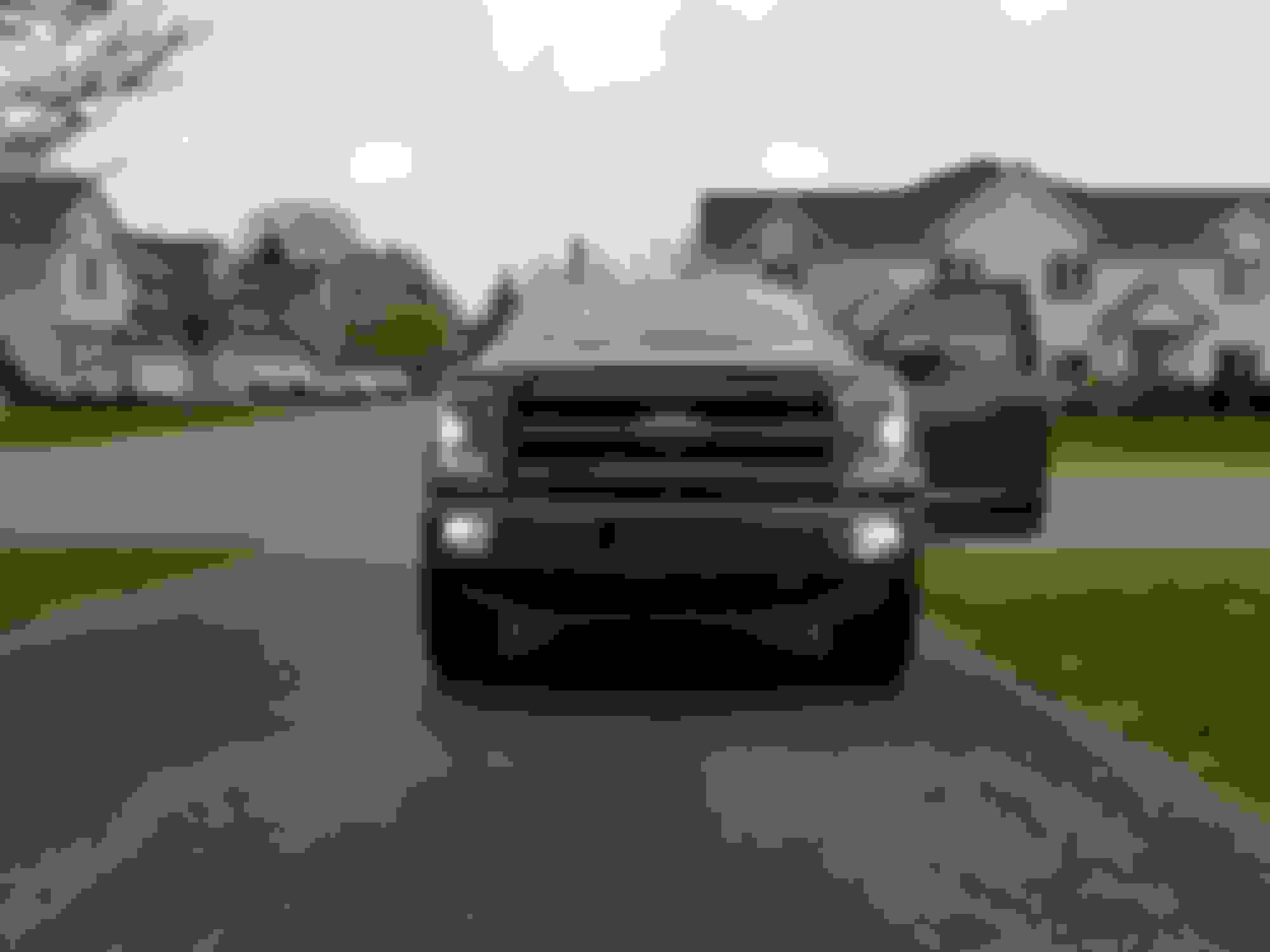
This will give you the white halos, indicator lights (mine are white/amber switchbacks) and rear tail lights. This would be exactly the same as if you were to turn the light **** to parking lights.
2. DRL - Front Fog Lights only
BCM 726-45-01 xxxx 7Fxx xxxx
726-50-01 04xx
This then adds your fog selection in addition to the above.
Go into your IPC settings and enable DRLs and you're all set!
lol that is the exact post I was working off of today and replied to back then! Basically I did that and had it as you with the fogs and now I want to eliminate the fogs. When I do I get either all amber no switchback or white parking with switchback to yellow for turns but have lows on as well.
I have been going back to this post and spreadsheet trying to figure out the combo
Ill look again tonight, right now 726-02 is changed and i have 726-45-01 and 726-50-01 as my original values and I get the white and switchback with lows.
I've finished testing out the new version of FORScan that includes the new service procedures for camera calibration in IPMA/IPMB and both work. Here's the newest FORScan link with this test beta if anyone is interested: http://forscan.org/download/FORScanS...st20170718.exe
Note: this link may stop working after a few days and you'll have to wait until the next public version if you don't grab it quickly.
Last edited by Livnitup; Jul 18, 2017 at 04:30 PM.
Changed my APIM country code to Michigan for fun to see what might happen and I was expecting nothing. Funny thing is it did enable all language packs. In motherland Russia Sync Ford you!
I've finished testing out the new version of FORScan that includes the new service procedures for camera calibration in IPMA/IPMB and both work. Here's the newest FORScan link with this test beta if anyone is interested: http://forscan.org/download/FORScanS...st20170718.exe
Note: this link may stop working after a few days and you'll have to wait until the next public version if you don't grab it quickly.
Thanks I will have to try this out on the IPMA that I bought a few months ago. Still not sure how I'm going to mount it as its different than my XLT mirror
that only controls whether the handle actually actuates the door opening. on mine the rear lock buttons don't pop back up along with the fronts when set to "auto" lock and "auto unlock". rear passengers try to get out and have to manually pull up the little button...then the handles work fine. It must be a setting, because if I don't set the "auto" lock to on, they work fine and if I press the unlock switch in the driver's door, the button always goes up as well. The handle can then work fine. It's strange.
Originally Posted by Firerunner
Fellows I'm pretty sure that this is what controls the child door locks on our trucks
that only controls whether the handle actually actuates the door opening. on mine the rear lock buttons don't pop back up along with the fronts when set to "auto" lock and "auto unlock". rear passengers try to get out and have to manually pull up the little button...then the handles work fine. It must be a setting, because if I don't set the "auto" lock to on, they work fine and if I press the unlock switch in the driver's door, the button always goes up as well. The handle can then work fine. It's strange.
That is strange, I just went back outside to test mine - I got in and drove down the driveway until the doors locked, then I parked and cut the truck off...as soon as I opened the drivers door the other three unlocked. I also have mine set to "auto" lock and "auto unlock" The remote is set to unlock the Driver's door only
lol that is the exact post I was working off of today and replied to back then! Basically I did that and had it as you with the fogs and now I want to eliminate the fogs. When I do I get either all amber no switchback or white parking with switchback to yellow for turns but have lows on as well.
I have been going back to this post and spreadsheet trying to figure out the combo
Ill look again tonight, right now 726-02 is changed and i have 726-45-01 and 726-50-01 as my original values and I get the white and switchback with lows.
Hmm, then I'm not sure. If you only have 726-26-02:x1xx configured then you should only be getting the parks as DRLs (white halo, white turn/indicator switchback, rear tails and amber halo/switchback when blinker is on). Assuming of course it's not dark enough for the auto setting to kick on the lows but based on your pic above it didn't look like that would be the case.
All else fails maybe try to reload your BCM as built and start over?
This guy actually complained about it though because he takes adult passengers with him all the time. Ford just kind of shrugged their shoulders at it and at the time I didn't have an idea either.
I've finished testing out the new version of FORScan that includes the new service procedures for camera calibration in IPMA/IPMB and both work. Here's the newest FORScan link with this test beta if anyone is interested: http://forscan.org/download/FORScanS...st20170718.exe
Note: this link may stop working after a few days and you'll have to wait until the next public version if you don't grab it quickly.
What does the service procedure for the IPMB do? Does it require the mats??
I think the times this is happening, I haven't opened the driver's door before someone in the back seat is trying to exit. From the manual:
Originally Posted by Firerunner
That is strange, I just went back outside to test mine - I got in and drove down the driveway until the doors locked, then I parked and cut the truck off...as soon as I opened the drivers door the other three unlocked. I also have mine set to "auto" lock and "auto unlock" The remote is set to unlock the Driver's door only