


Raptor wheels installed!


Thread Starter
Member
Joined: Jun 2008
Posts: 34
Likes: 2
 Raptor wheels installed!
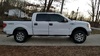
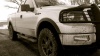
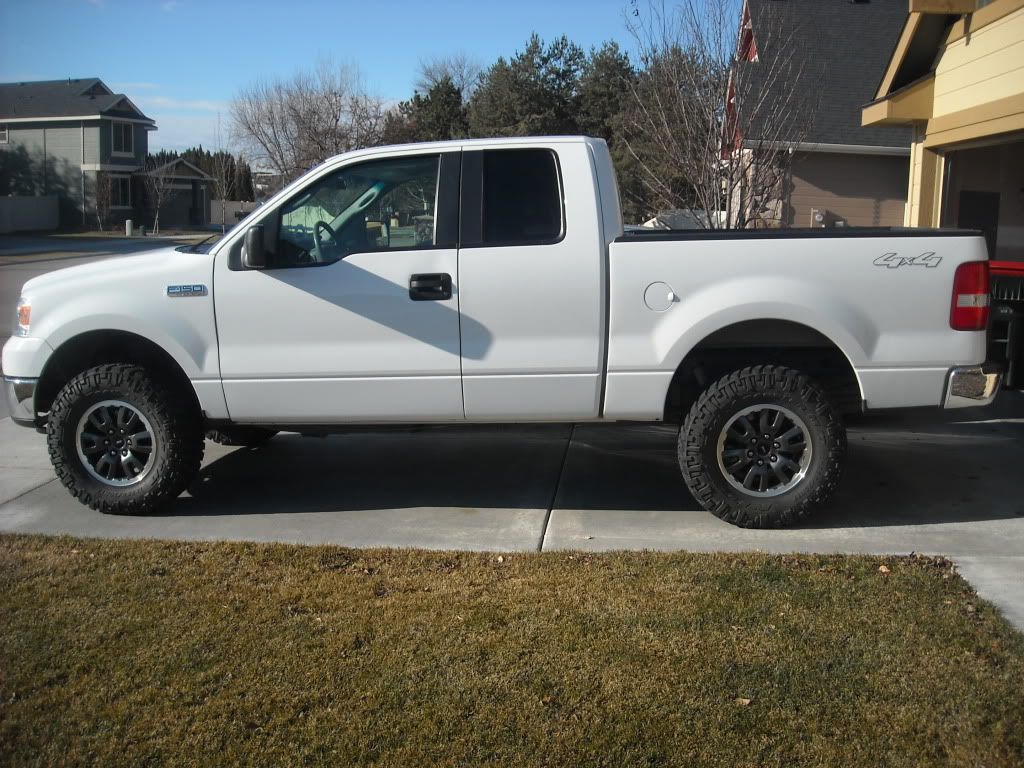
Went to work this morning and put on my Raptor wheels. Got them for a pretty good price ($300). Looks better than I was expecting. I weighed them in at 31 lbs. a piece. My stock steel wheels were 35 lbs. Might pick a tenth or two mpg's
http://s1197.photobucket.com/albums/aa422/jeffe1977/
http://s1197.photobucket.com/albums/aa422/jeffe1977/



Trending Topics

Ford Freak
Joined: Nov 2011
Posts: 2,078
Likes: 180
From: Big Spring, Texas
Find the picture you want to post, right click on it, go to properties, find the address (url), highlight it in blue, right click and copy that, then click on the yellow/gray mountain icon at the top of window you type your post into, click it, right click on the spot where it says to put in your address, click paste and presto you posted a picture.
There's more specific instructions in the FAQ section of this forum. Enjoy.
Those wheel slook great on that bodystyle

Member
Joined: Sep 2011
Posts: 51
Likes: 0
From: Minnesota
Find the picture you want to post, right click on it, go to properties, find the address (url), highlight it in blue, right click and copy that, then click on the yellow/gray mountain icon at the top of window you type your post into, click it, right click on the spot where it says to put in your address, click paste and presto you posted a picture.
There's more specific instructions in the FAQ section of this forum. Enjoy.
Those wheel slook great on that bodystyle
There's more specific instructions in the FAQ section of this forum. Enjoy.
Those wheel slook great on that bodystyle
You can do it that way or If you see your album in Photobucket..... For example just click the link to the picture you posted... You'll see to boxes below your little picture. One is for posting a link like you did and the code begins http*** the second one has a different code and starts with IMG. If you copy the IMG code and post it in your message it will just show the picture instead of the link to the picture. Thats all I did to make it show up is copy your IMG code.