When you click on links to various merchants on this site and make a purchase, this can result in this site earning a commission. Affiliate programs and affiliations include, but are not limited to, the eBay Partner Network.
I have a 2011 F150 with the back up camera and the screen in the mirror. Every time I go in reverse it works for the first 90% of the back up then goes blue and usually comes back.
The most common answer to this online is go to the dealer and have them fix it, as I assume most owners are still under warranty....I am not under warranty and would like to address myself.
The tailgate has never been removed. If anyone can offer some advice it would be greatly appreciated.
You can try disconnecting the harness plug near the spare tire and reconnecting it, do that with the plug on the back of the mirror also, Ford has/had a reputation for connector issues.
I have a 2011 lariat screw abd have the same problem except anothef 50% of tge time i get a black and white fuzzy screen with lines on the screen, havent taken it to dealer yet but i am stil under warranty till 100k
Thanks for the responses. I've checked both ends but no change. If the connector is bad would it be something that could be changed out? Or would the whole run need to be replaced?
Thanks for the responses. I've checked both ends but no change. If the connector is bad would it be something that could be changed out? Or would the whole run need to be replaced?
I have lines across my screen. Took it to dealer and they checked all the connections (just fine) and are going to replace the mirror. Tech said the mirror would likely cost about $400 if I wasn't under warranty.
Well, it's been awhile since this thread has had any attention and I now have the Blue Box in my mirror. My sensors still detect items and beep, beep, beep so just the camera seems to have failed.
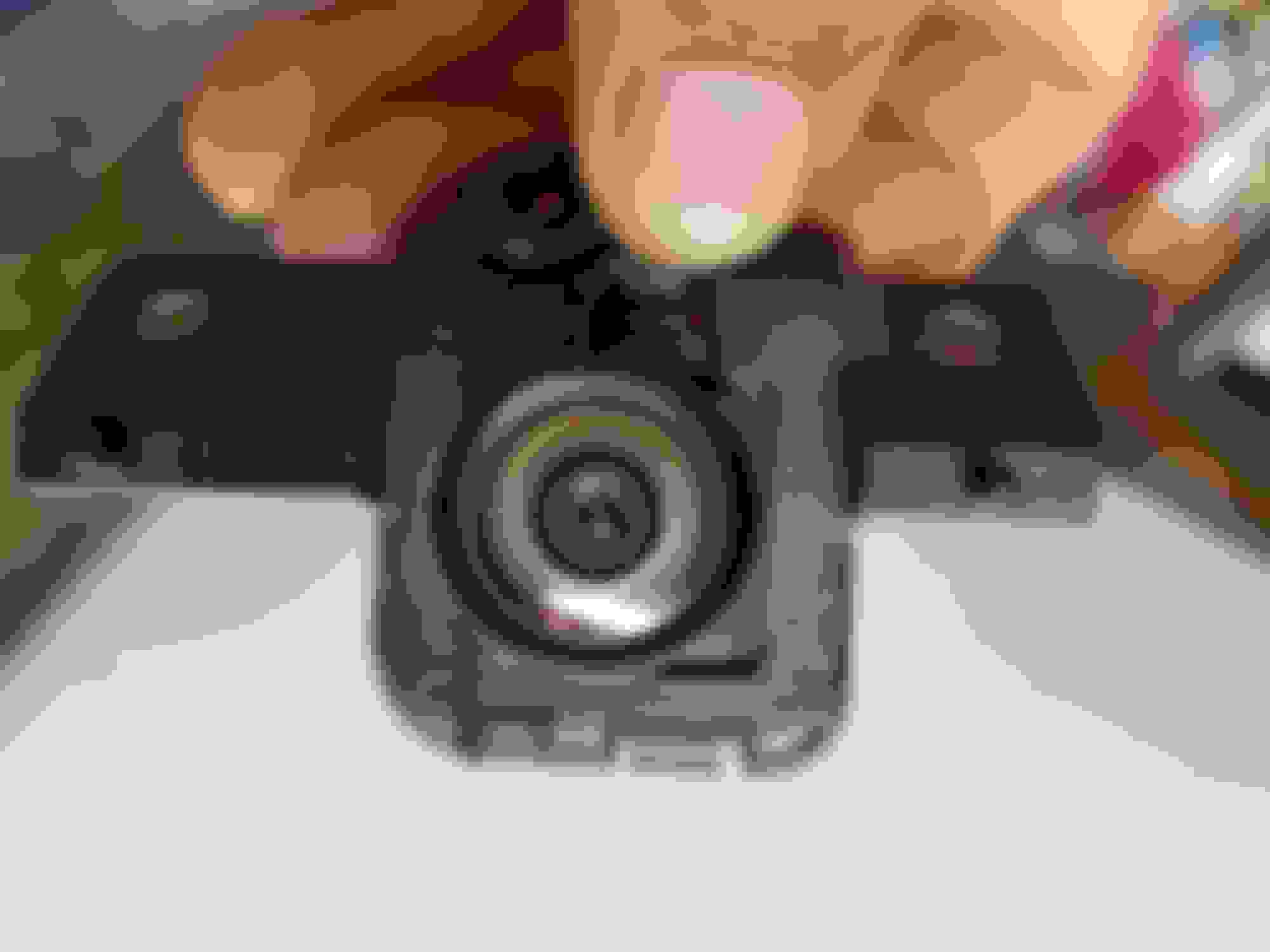
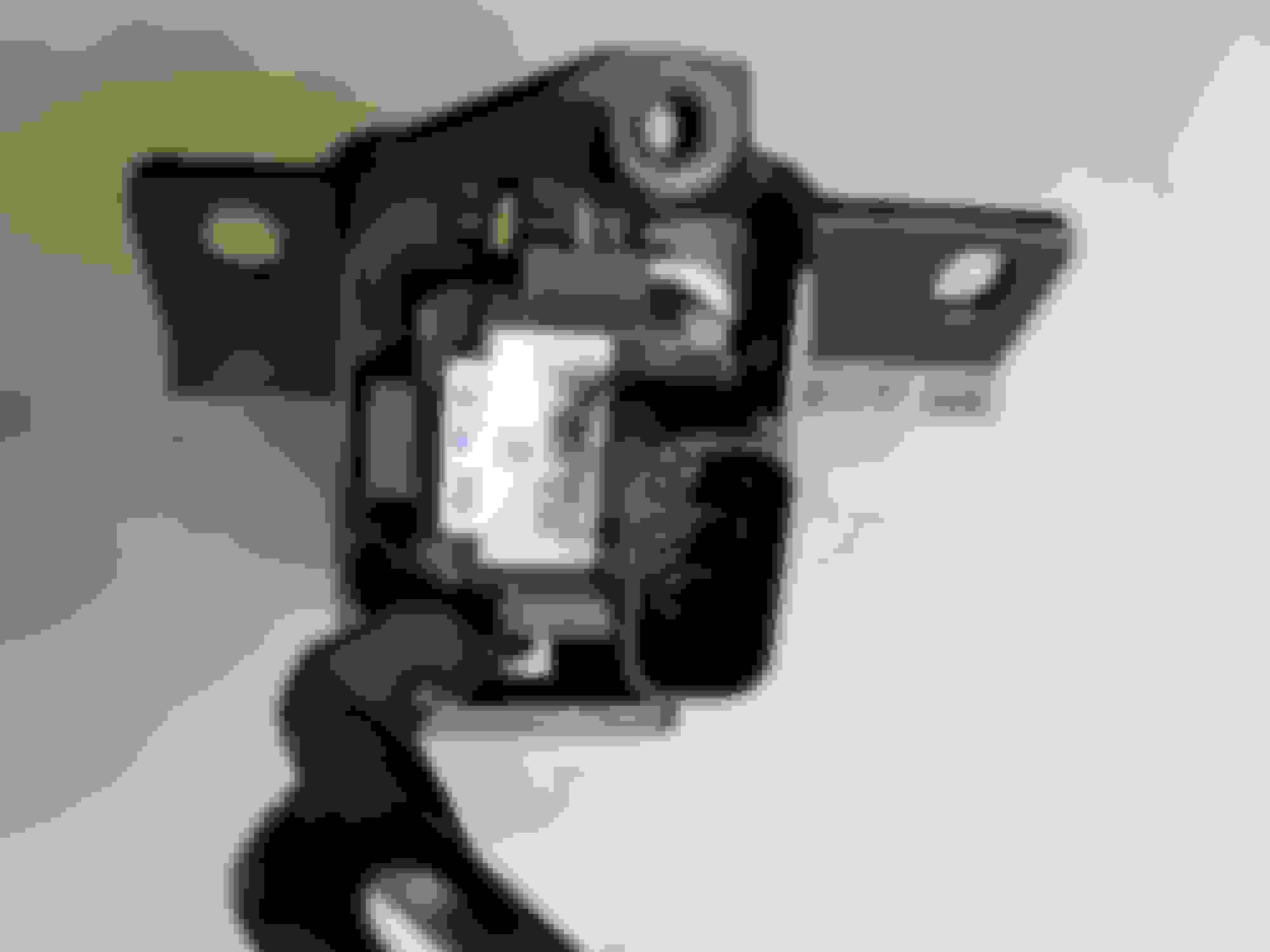
I used a plastic pry-bar to get the logo off and then removed the bolts to reveal the camera on the back.
Not sure how to test if it is the ~$300 camera or something else. any ideas ?
Here is the info from the Camera Module.
mounting bracket=
BL34-19H438 A01
Camera=
Ford P/N:BL3T - 19G490-AC
MFG: 3/20/2011 SN: 5574
FoMoCo CW48A2011




 Back up camera blue screen