When you click on links to various merchants on this site and make a purchase, this can result in this site earning a commission. Affiliate programs and affiliations include, but are not limited to, the eBay Partner Network.
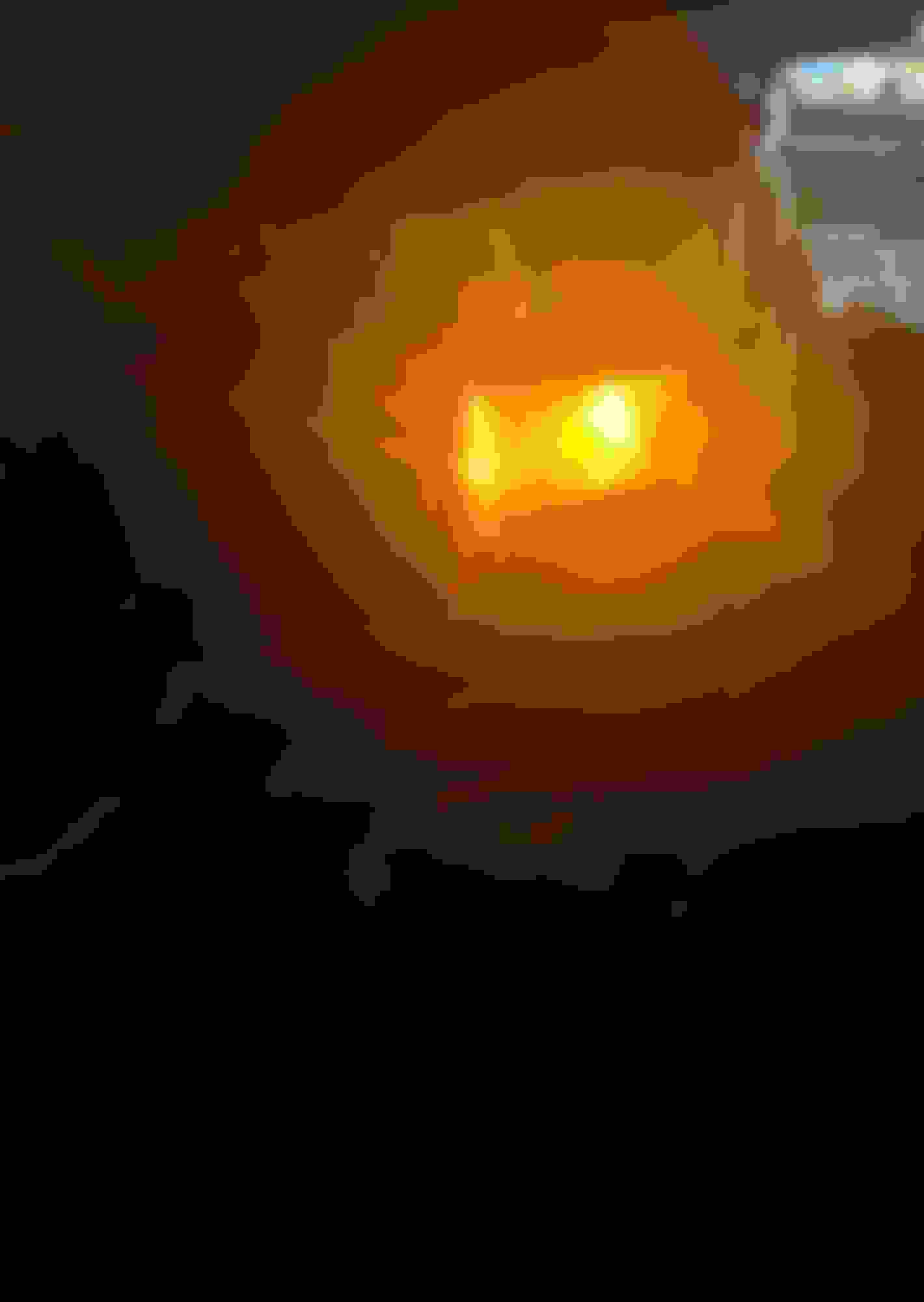
I want to switch my DRLs to this light instead of having it on low beam, what module configurations do I change in the AS BUILT format? I don’t know if that’s parking lamp or turn lamp. Also I can’t use the easier written format because when I go to write the change it gives me a Writing blocks failed - incompatible configuration error. So I wanna try as built. Those are halogen headlights on a 19’ 3.5
That is your turn signal. The parking lamp is the tiny little bulb to the left of the bulb that is lit in your picture.
Red circle - Turn Signal bulb
Blue circle - Parking light bulb
That is your turn signal. The parking lamp is the tiny little bulb to the left of the bulb that is lit in your picture.
Red circle - Turn Signal bulb
Blue circle - Parking light bulb


 Help using forscan