When you click on links to various merchants on this site and make a purchase, this can result in this site earning a commission. Affiliate programs and affiliations include, but are not limited to, the eBay Partner Network.
My vehicle already had the 8" My Ford Touch so there is only a small pigtail to wire if you plan to use the newer hub for carplay. I know I've seen some people offer wiring kits for the 4" Sync screen to 8" Screen. There was a guy on Youtube that was making a harness so the whole thing was plug and play but I don't have any details since it didn't apply in my case.
Originally Posted by Kung
Stupid question (and maybe I missed it somewhere). The few threads I've seen that talk about this usually involve custom wiring a big huge pigtail, which I don't have the time for. Is this now something that can be purchased? Or is custom work still required by the 'end user' (you, in this case)?
I have XXXX-XXXX-22XX in mine which is probably why the heated and cooled seats are showing on the home screen. I'm hoping I was just being impatient once I set the values for them to show up on the climate screen.
Originally Posted by frestylmotox01
To get the Heated/cooled seats to work correctly on mine I had to change 7D0-01-01's values to XXXX-XXXX-22XX, x being whatever values you already have, the first two is for American Radio, the second is for heated cooled seats. It will probably give you a checksum error, but if you hit ok, it will generate the correct value.
My vehicle already had the 8" My Ford Touch so there is only a small pigtail to wire if you plan to use the newer hub for carplay. I know I've seen some people offer wiring kits for the 4" Sync screen to 8" Screen. There was a guy on Youtube that was making a harness so the whole thing was plug and play but I don't have any details since it didn't apply in my case.
...aaand of course I have the 4.2" screen. *sob* lol
Woohoo! The presets and climate controls are working as they should now. I still have a few tweaks to make but once I have that I will post my APIM settings.
I still have a sporadic open circuit on the GPS. I'm still hoping this is the antenna and not the module.
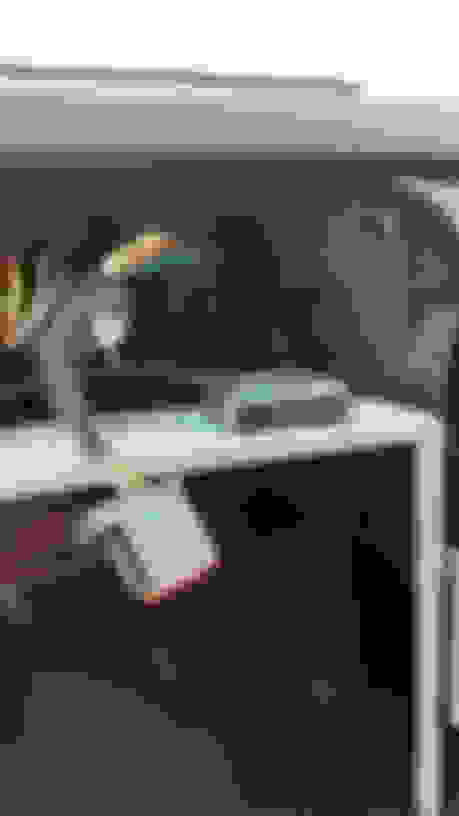
Since it has a magnet on it I mounted it on the top of the screen.
Also as promised here are my APIM settings. Compared to my original APIM there is only a few changes. The only issue I have now is Sync can't tune to radio by voice. I don't know if this is a Sync3 2.0 issue or an issue with my conversion. I make no guarantee these settings will work for your vehicle. I recommend you look at the spreadsheet in the 2015+ forscan thread.
If it can be done for $1000 or so that's definitely a steal. The company selling the complete kit sells it for nearly double that before adding Android Auto capability so if it can be done for that much less, more power to you
Since it has a magnet on it I mounted it on the top of the screen.
Also as promised here are my APIM settings. Compared to my original APIM there is only a few changes. The only issue I have now is Sync can't tune to radio by voice. I don't know if this is a Sync3 2.0 issue or an issue with my conversion. I make no guarantee these settings will work for your vehicle. I recommend you look at the spreadsheet in the 2015+ forscan thread.
Do you have part numbers for the Ford items you had to purchase? Is the carplay module needed for Android auto or is that just for Apple carplay? If there is an update for sync 3 can it be updated just like sync 2? Sorry for all the questions, I'm really interested in doing this to my truck.





 The presets and climate controls are working as they should now. I still have a few tweaks to make but once I have that I will post my APIM settings.