When you click on links to various merchants on this site and make a purchase, this can result in this site earning a commission. Affiliate programs and affiliations include, but are not limited to, the eBay Partner Network.
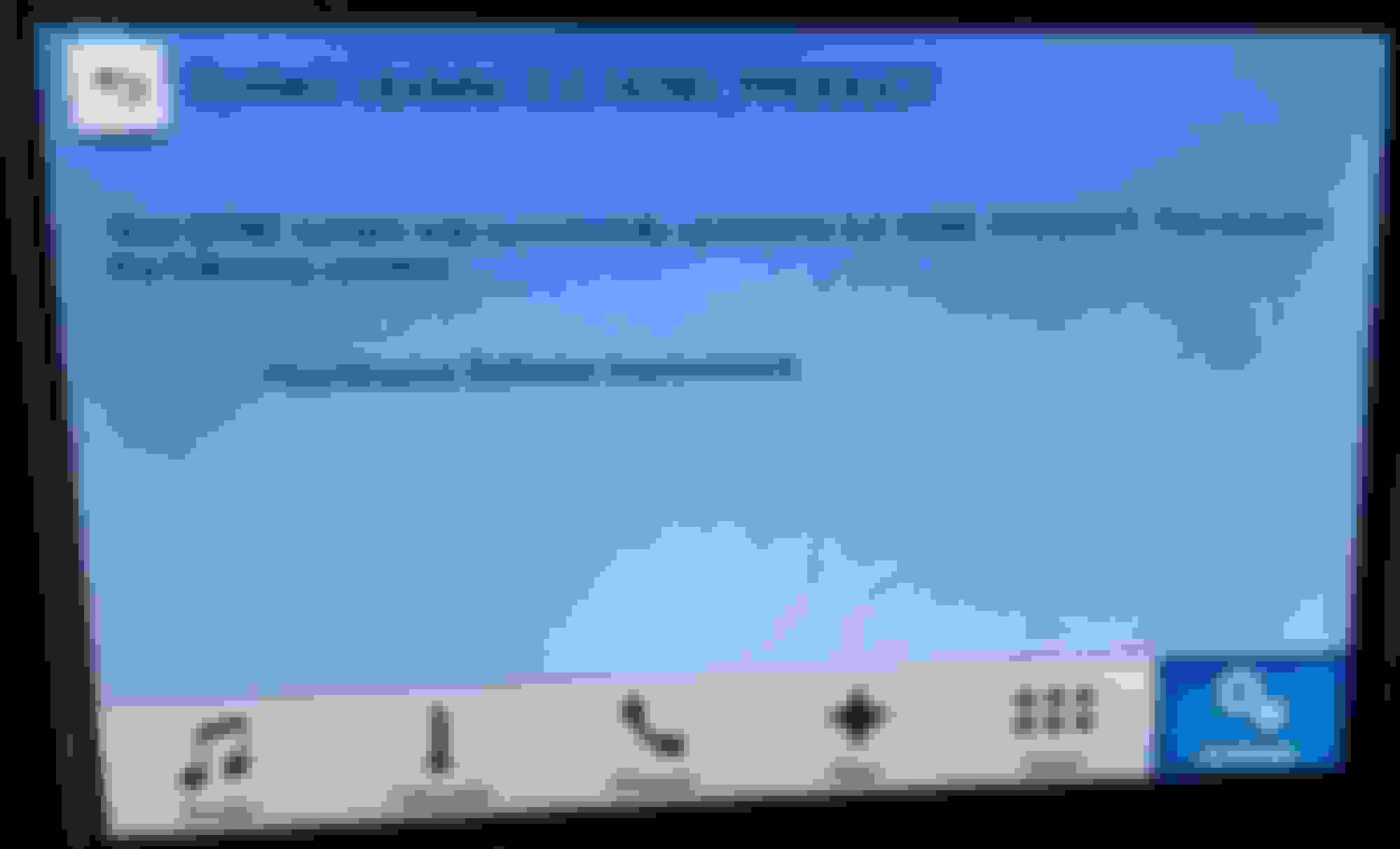
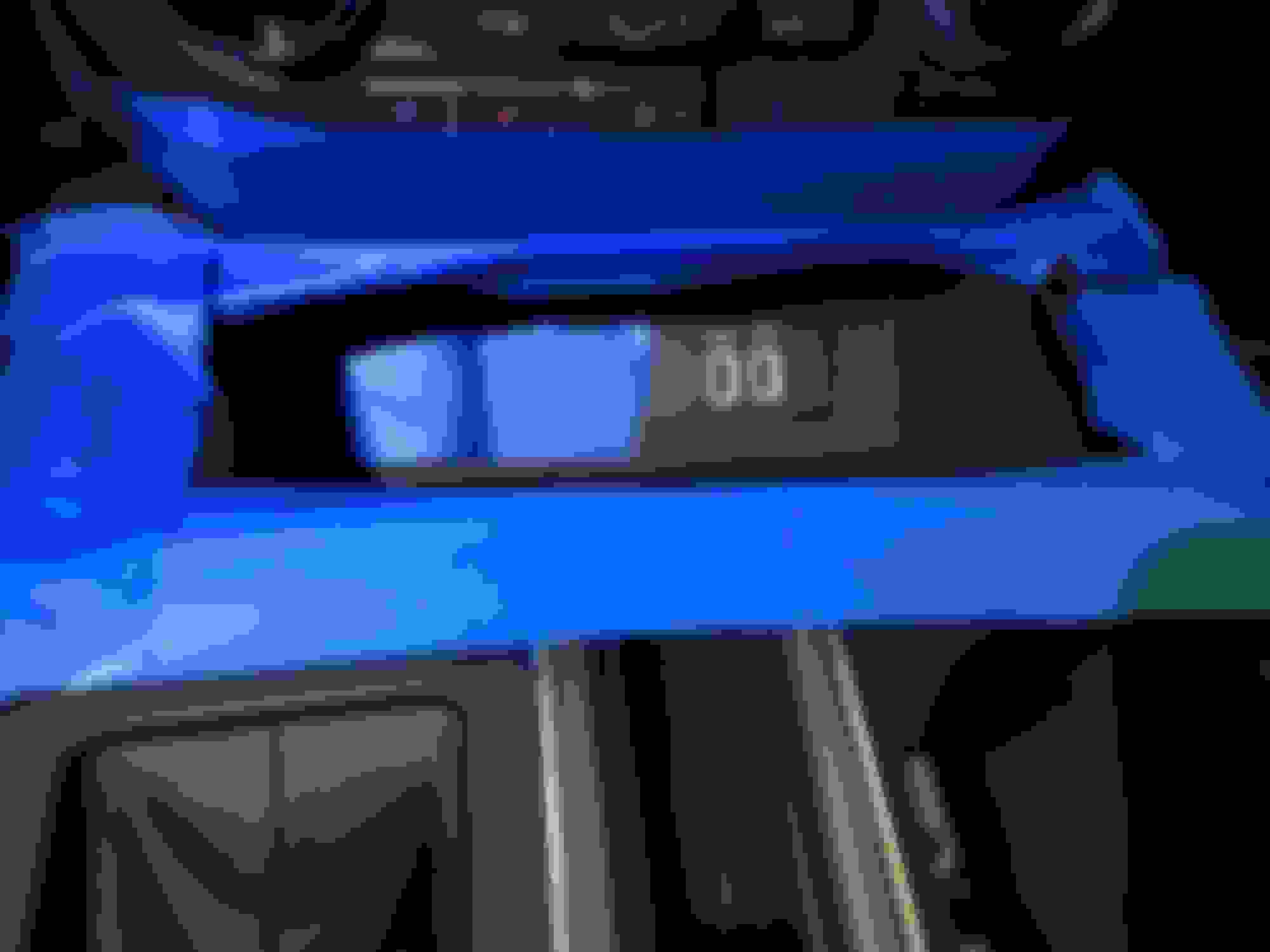
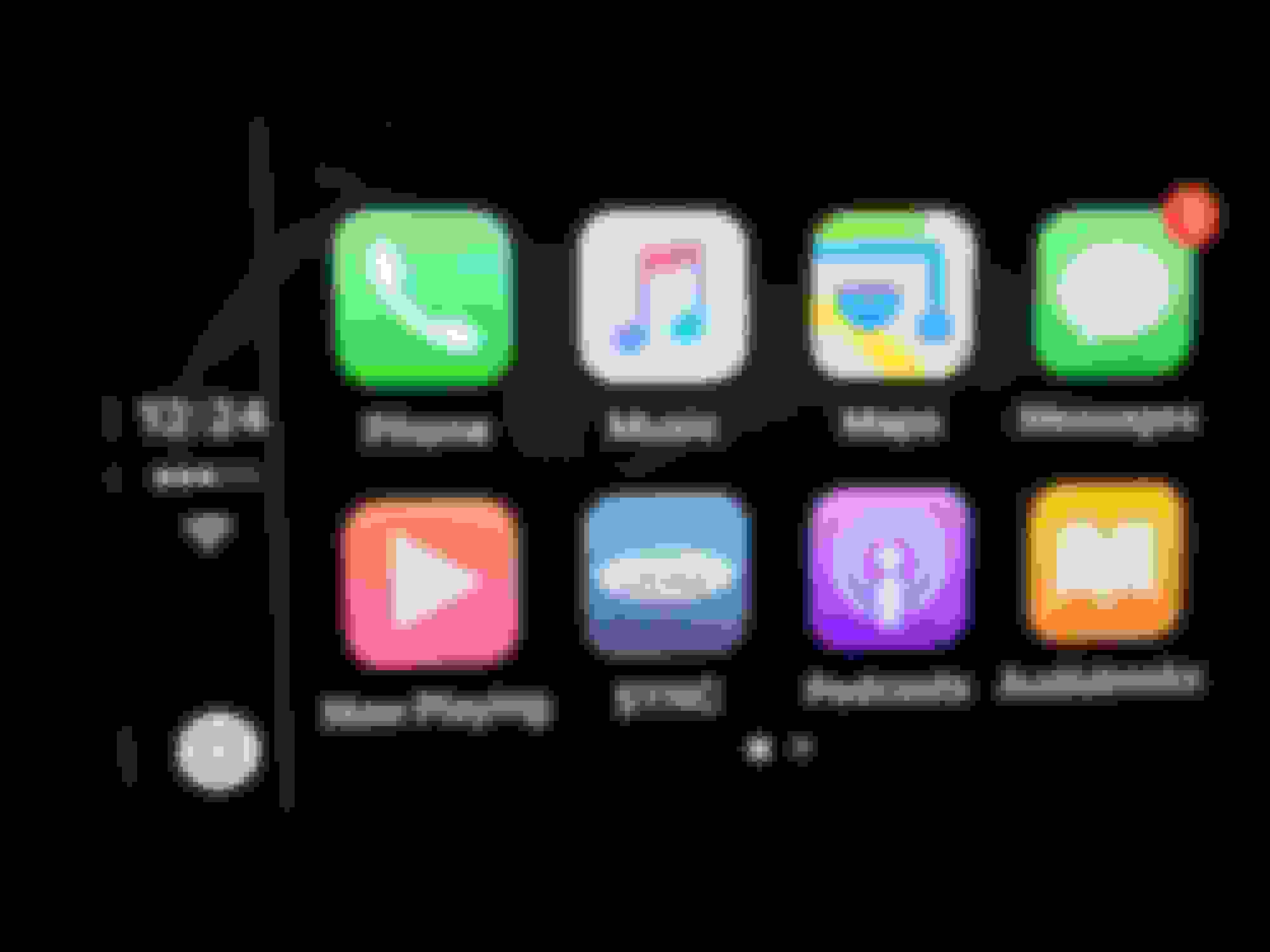
Thanks to everyone! Success with Installation. Took about 10-15 mins. USB Hub took 15 seconds. Not a scratch. Lights are white..who cares! Pictures attached. Also you might have to power on and off a few times before factory NAV recognizes the maps.
Last edited by 16F150LIMITED; Dec 14, 2016 at 01:59 PM.
First of all thanks for the update ... Everything went seamlessly and AA works like a charm. Only thing I noticed that was weird was that my SYNC Version still shows up as 1.0 ... other than that everything else works perfect !!
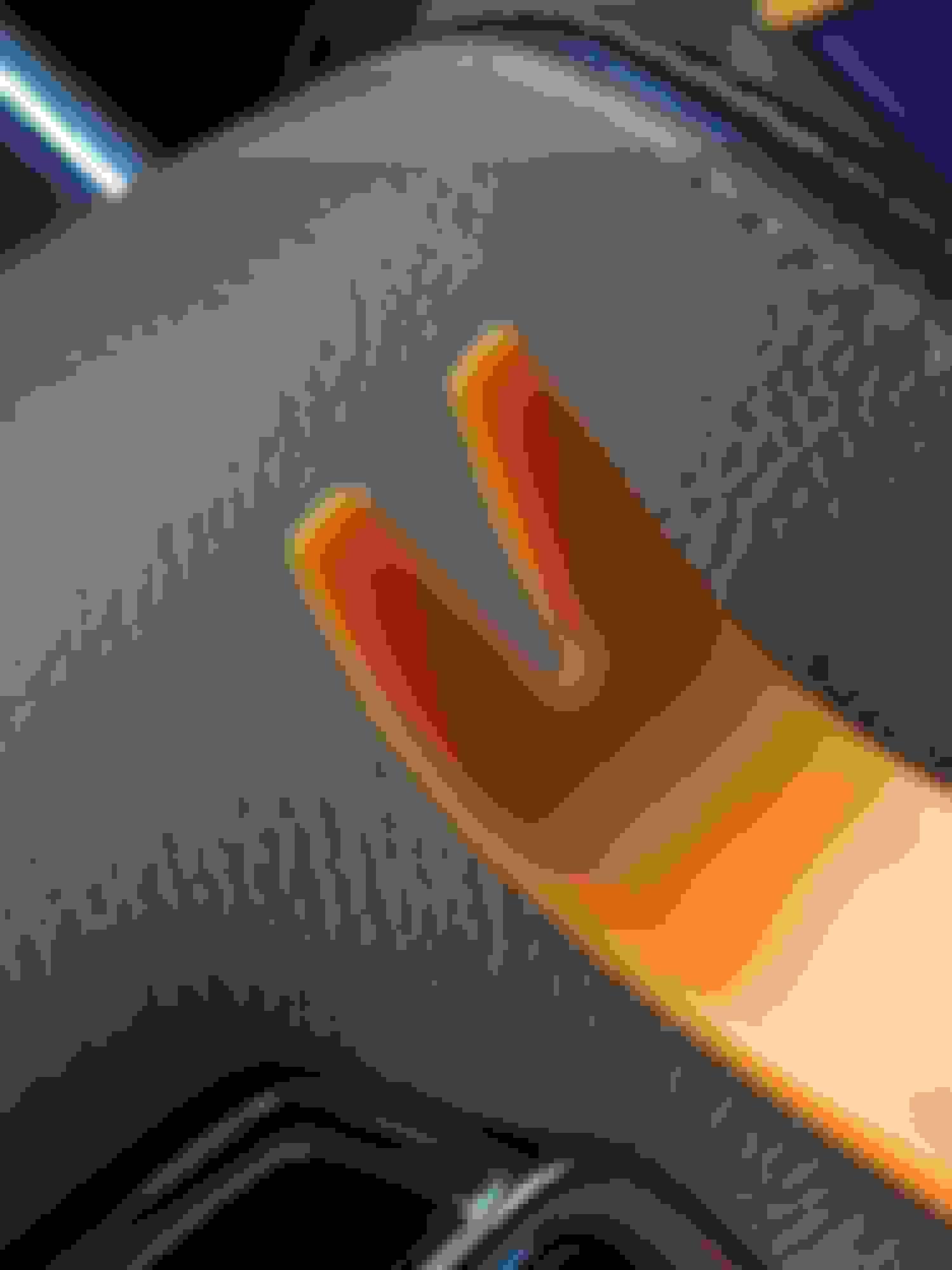
Btw don't ruin your truck trying to extract old USB hub by hand. I used trim removal tool and was done swapping in literally under 20 second
I stopped by Harbor Freight on the way home from the drive-around to install the update with the sole purpose of buying a trim kit. (Also got the free flashlight while I was there ).
Now just need the hub to come off backorder and get shipped!
I just did the upgrade and it went smoothly and AA is working great. The only thing I see is that in the about sync information it still shows version 1.0. This happened to anyone else?
First of all thanks for the update ... Everything went seamlessly and AA works like a charm. Only thing I noticed that was weird was that my SYNC Version still shows up as 1.0 ... other than that everything else works perfect !!
On the screen or owner site? If screen let it shut down and restart.
First of all thanks for the update ... Everything went seamlessly and AA works like a charm. Only thing I noticed that was weird was that my SYNC Version still shows up as 1.0 ... other than that everything else works perfect !!
It takes a while to refresh. After completing the upgrade, it took a minute or two before mine started showing the new version number correctly. Also, everything seemed kind of slow at first but back to normal now. It's probably doing a bunch of background processing when you first turn on the truck with the new version.
Last edited by davidw76; Dec 14, 2016 at 02:17 PM.
Anyone install either the
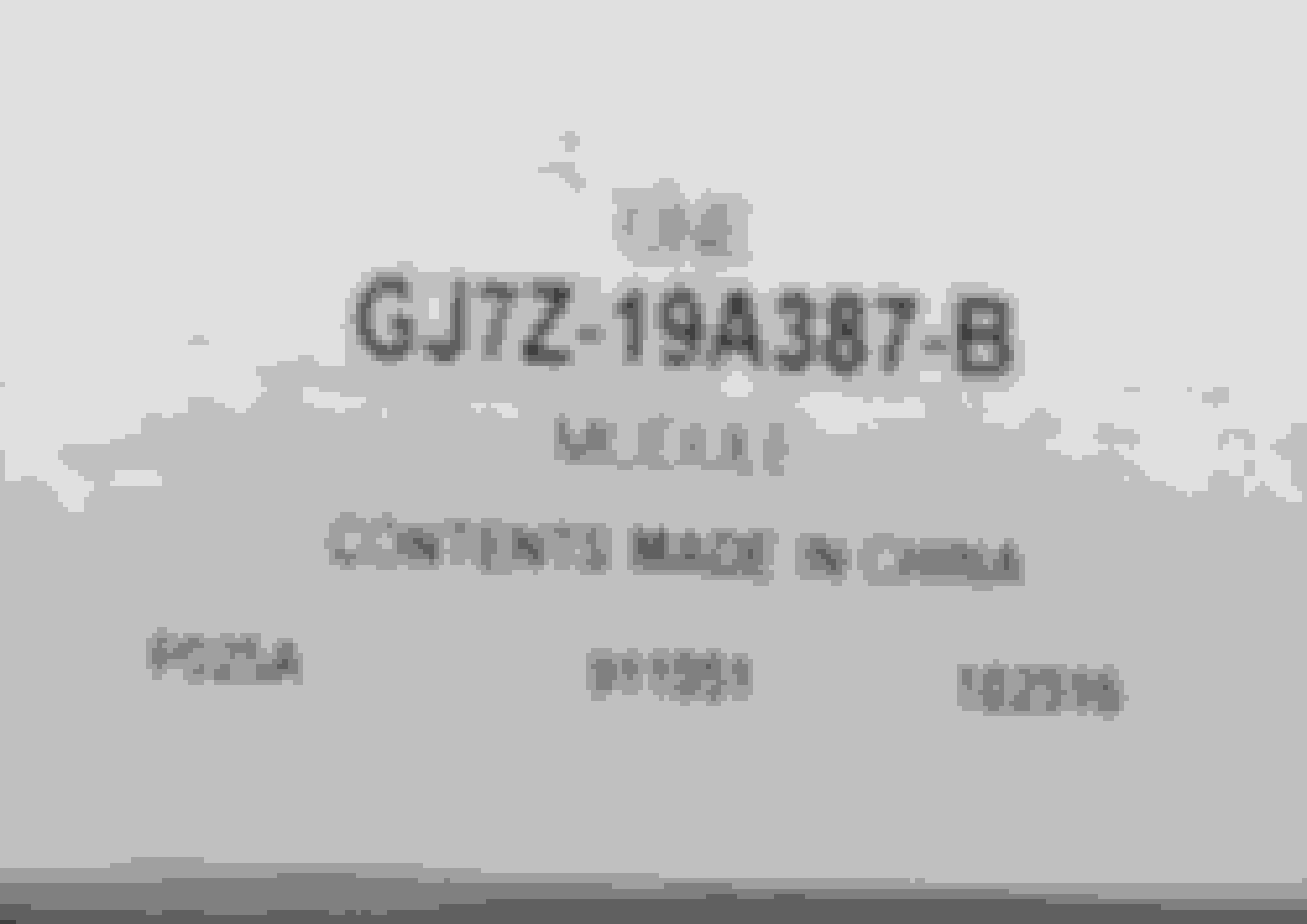
GJ7Z-19A387-B or the
HC3Z-19A387-B
USB hub modules in their mustangs? Looks to be the right size for the center armrest console.
Do you guys know the hub part number for 2016 mustangs? And what's the best way to remove the hub in the glove compartment, seems to be clipped in or somthing?





 ).
).